
Best apps list
Best wedding photo upload apps for guest pictures
If guests take the best candid photos, the right upload app should make sharing feel almost invisible: no account, no app install, no confusing folder, and one private gallery for the couple.
By Chandra
Product documentation and wedding photo sharing guides
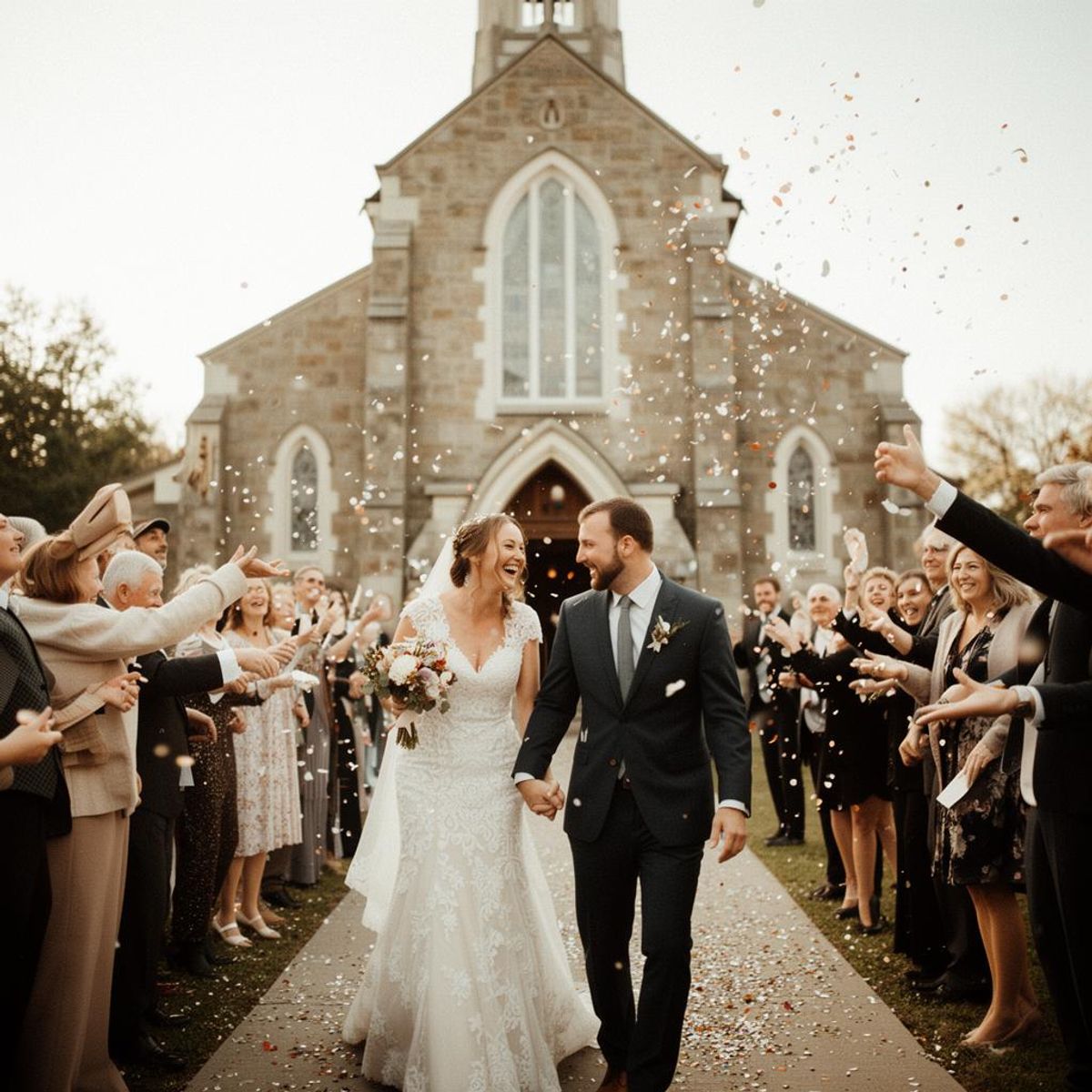
The best wedding photo upload app is not always the app with the longest feature list. It is the one your guests will actually use at the reception, during the after-party, and the next morning when their camera rolls are full of moments you never saw.
Most couples are comparing a few categories: dedicated QR-code wedding galleries, event photo apps, disposable-camera apps, shared cloud albums, and group chats. Here is how to think about the best option.
Wedding photo upload apps compared
| Rank | App or option | Use it when | Check first |
|---|---|---|---|
| 1 | Folded | You want guests to scan a QR code and upload photos or videos from a browser. | Set gallery privacy and slideshow behavior before printing your QR signs. |
| 2 | Pix Wedding | You want a dedicated wedding QR photo tool with live display features. | Current plan limits, download rules, video support, and full-resolution access. |
| 3 | Guestpix | You want an event album with polished QR signage and guest upload pages. | Upload window, guest limits, video rules, and bulk download. |
| 4 | WedUploader | You want wedding guest uploads to land in Google Drive. | Permissions and whether the guest flow feels simple on mobile. |
| 5 | Kululu | A live photo wall or reception screen is central to the experience. | Moderation, privacy, final export, and video behavior. |
| 6 | GuestCam | You are comparing dedicated guest camera and guest upload tools. | Whether guests can upload existing camera-roll media and how downloads work. |
| 7 | Google Photos | The group is small and already comfortable with Google shared albums. | Guest account state, app prompts, and mixed-device access. |
| 8 | POV Camera, Hipstamatic Party!, or Lense | You want a disposable-camera ritual or delayed reveal. | App download requirements, guest limits, device support, and export access. |
What to compare before choosing
Guest upload friction
Every forced login or app install lowers participation. If your priority is getting more photos from more people, browser-based upload is the cleanest default.
Privacy and ownership
A wedding photo upload app should give the couple a private gallery and control over who can view, upload, and download.
Videos and original quality
Guests capture vows, speeches, dance-floor clips, and tiny bits of motion. Choose an upload flow that handles both photos and videos without pushing everything into a compressed chat.
Download after the wedding
The point is not just collecting guest pictures. It is keeping them. A full-gallery download matters when you are ready to archive the wedding.
Choose Folded for the shortest guest path
Folded is best for couples who want the simplest path: create an event, share one QR code, let guests upload photos and videos, then download the private gallery later. It is built around guest participation rather than a complicated event platform.
Make the ask easy
Collect the photos guests actually took.
Give guests one QR code, let them upload from the browser, and keep the gallery under your control. Photos, videos, late uploads, and one download when you are ready.
Learn more about Folded as a wedding photo sharing app for guests.